

Fast-Restro, a restaurant management platform
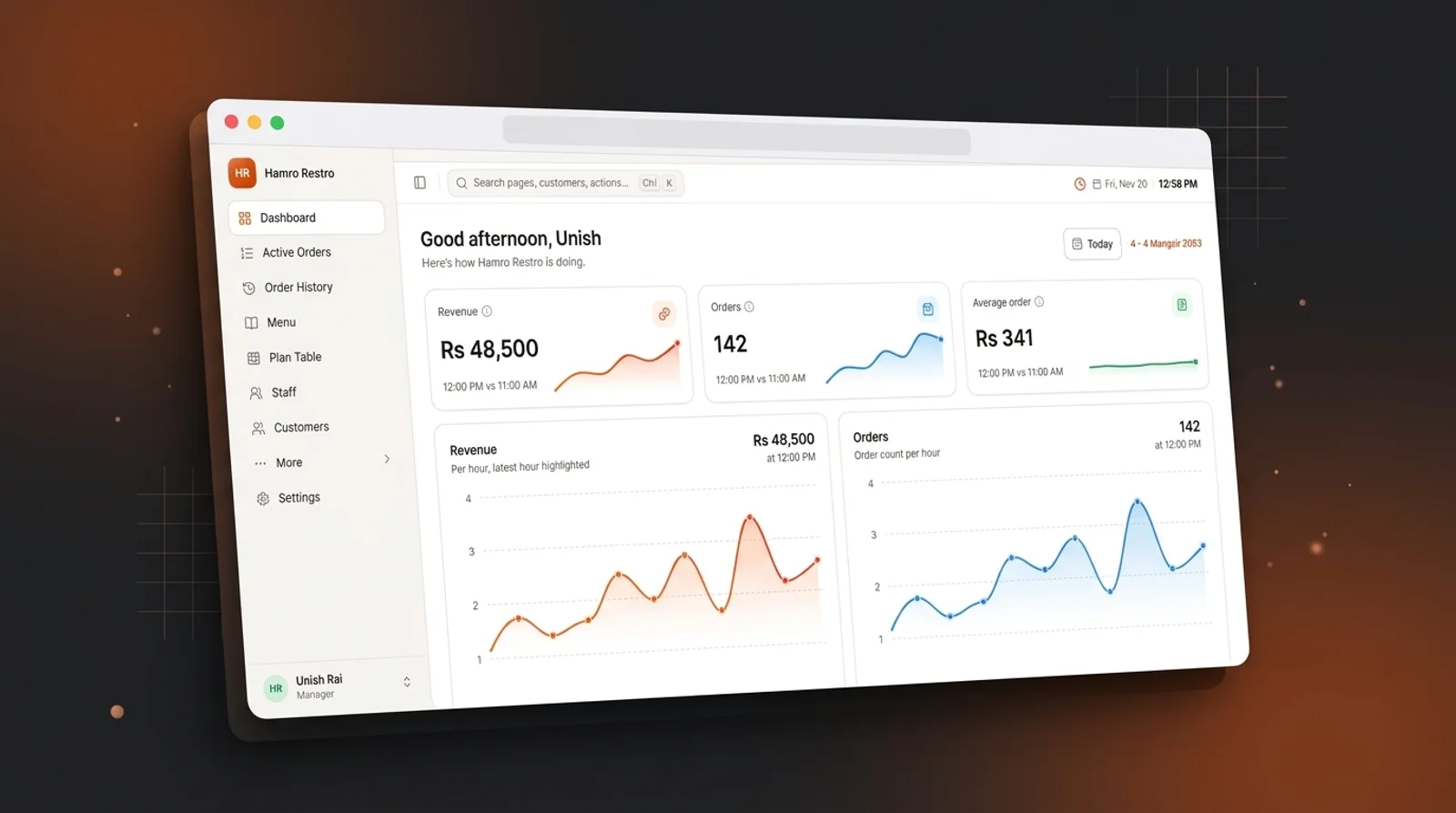
A multi-tenant restaurant platform that runs orders, kitchen tickets, billing, customer dues and QR table ordering for each restaurant from one system.
- Industry
- Hospitality
- Type
- Client project (confidential)
Business challenge
The challenge
Restaurants were running service on paper order slips, shouted hand-offs to the kitchen and a handwritten ledger of what regular customers still owed. Orders went missing at busy times, closing the day meant reconciling cash by hand, and owners had no reliable view of sales, expenses or unpaid bills.
Project objectives
Objectives
- 01Move orders from the table to the kitchen without paper tickets.
- 02Let guests order from their table by scanning a QR code.
- 03Track each customer's unpaid bills and manual dues from the records themselves.
- 04Give owners daily closing, expense and sales reports they can trust.
- 05Onboard new restaurants as self-serve tenants with their own isolated data.
Overview
Fast-Restro is a restaurant management platform. Waiters, cashiers, kitchen staff and managers use it to run service, and guests use it to order from their table. Kritiqtech designed and built the whole product: the FastAPI backend, the staff portal, the kitchen display, the guest ordering flow, the platform admin console and the marketing site.
Solution
Fast-Restro is a multi-tenant SaaS product. Each restaurant gets its own PostgreSQL schema instead of sharing tables with a tenant column. We chose this so that one restaurant's data can't leak into another's through a missed filter, and so that a single restaurant can be backed up or restored on its own. Every restaurant has its own branded subdomain. Staff sign in with HTTP-only cookies, so access tokens are never exposed to page scripts.
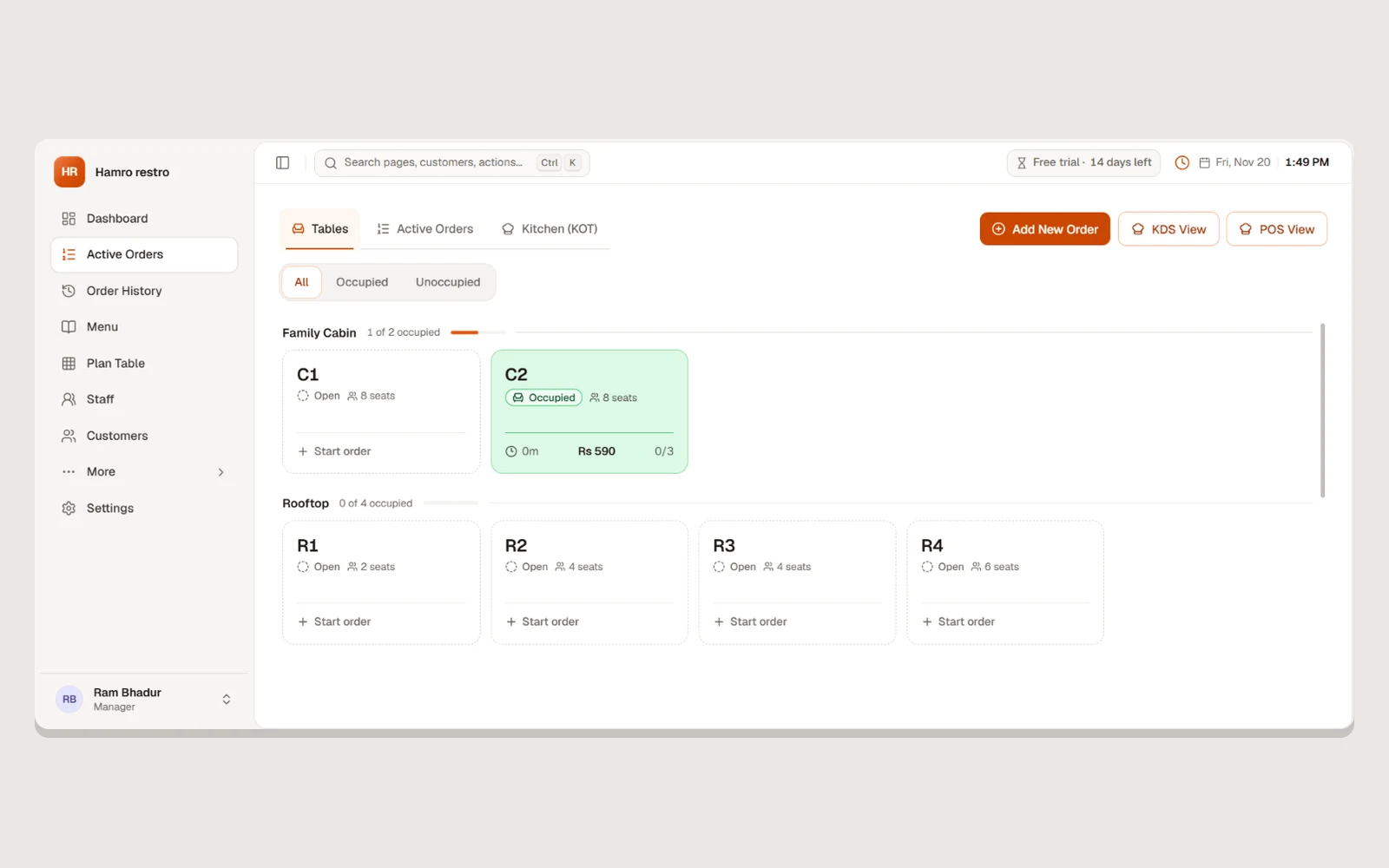
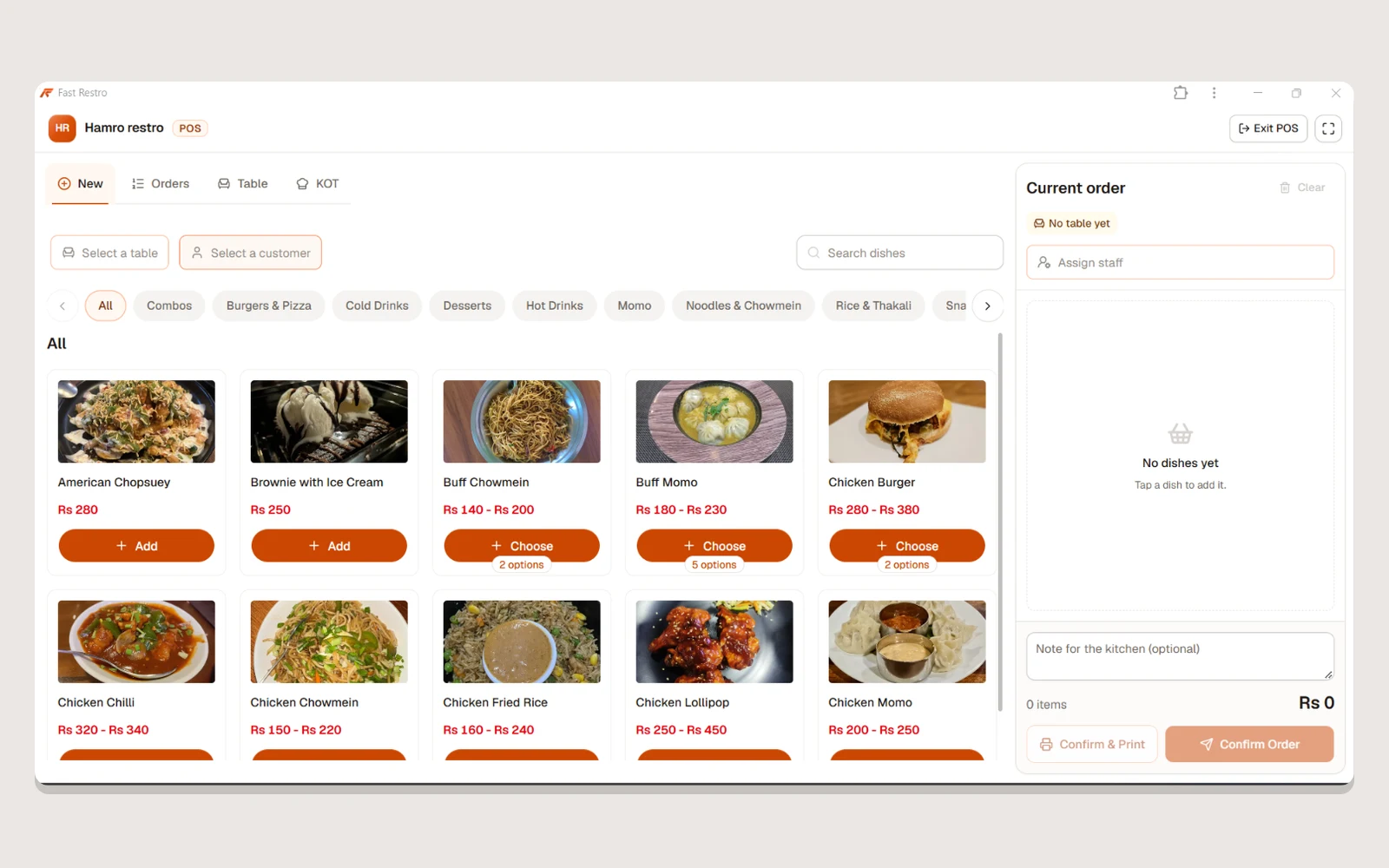
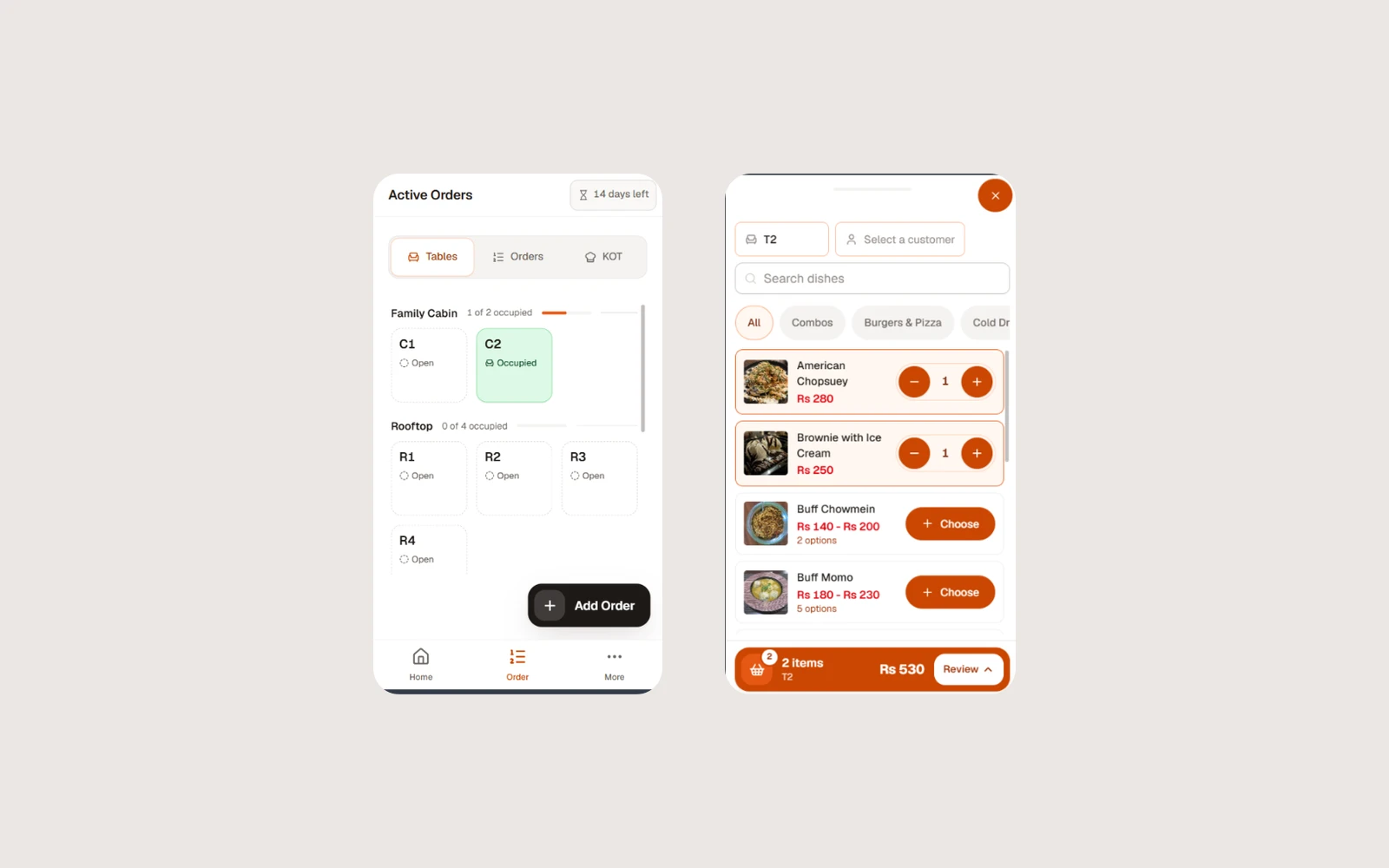
Orders become kitchen order tickets (KOTs) that appear on a dedicated kitchen display. Cancelling a ticket the kitchen has already started needs a manager's approval, which protects stock and prevents disputes. Guests scan a table's QR code, browse the menu, order and follow their order's progress without installing anything. Their orders arrive in the same approval queue the staff already use.
Money is modelled the way the restaurants already think about it. A customer's due is always calculated from unpaid bills and recorded manual dues, never typed in, so the balance always matches its history. Every change to a customer's money is written to an activity feed as it happens. Local payment gateways (eSewa and Fonepay), day close, expenses and reports complete the cycle from first order to end-of-day cash.
Design approach
Most of the people using the product are on their feet in the middle of service, so the staff portal keeps each screen focused on one task. Requests and approvals appear in the header only when something is waiting. The kitchen display is meant to be read from across the pass for a whole shift, so on that screen colour shows only how late a ticket is. On-time tickets stay neutral, and amber or red appear only when a ticket is running late. Settings the kitchen changes once, such as text size, layout and theme, are kept off the main board. The portal installs as a progressive web app, shows a clear banner when the connection drops and supports the Nepali (Bikram Sambat) calendar alongside the Gregorian one.
Development process
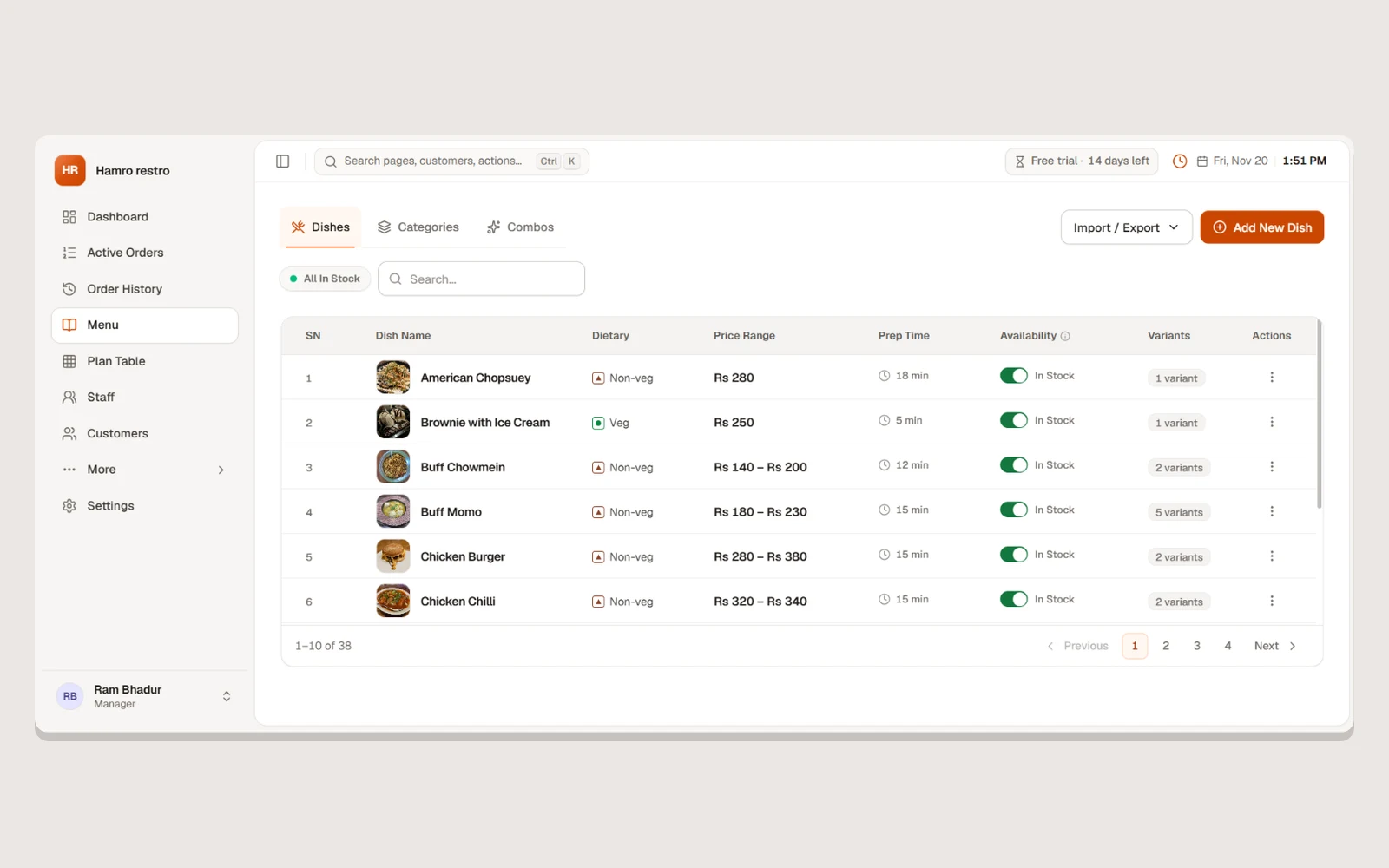
We built the backend first: tenancy, authentication and the order-to-kitchen flow, because every other feature depends on them. Menus, tables, staff permissions and the kitchen display came next, followed by customers and dues, payments, day close and reporting. QR ordering, push notifications and the admin console came after that. The backend has live integration tests against a real database rather than mocks, because tenant isolation can't be tested meaningfully against a fake. Production and development run as fully separate stacks, each deployed automatically from its own branch, so new features are tested on real-shaped data before they reach restaurants. Read more about our process.
Technology stack
Built with
Frontend
- React
- TypeScript
- Tailwind CSS
- Next.js
Backend
- Python
- FastAPI
Databases
- PostgreSQL
Cloud & DevOps
- Docker
- CI/CD
Screenshots
Inside the product
Want something like this built?
Tell us about your project and we'll walk you through how we'd approach it.